
O2Jam · 7-key rhythm game
Seven keys.
One living server.
A private O2Jam server, running on a box in a datacentre and answering right now. Make an account, point a client at it, and play — the ranking below is everyone who has.
Client required. This page isn't the game. The client is a single-file AppImage for Linux or a portable ZIP for Windows — take either from Download & play; the whole music package is already inside it.
Getting in
Three things, in order. Nothing here needs a VPN or a port forward on your side.
- Create an account. Pick a name and a password on the registration page — the server makes the account itself, in about a second. Your name is permanent, so choose one you like.
- Take the client. It speaks the retail O2Jam v3.82 / v3.00 protocol and runs natively — no compatibility layer, no Wine. One file, Linux x86-64: Download & play.
- Log in. The package below is already pointed at
163.245.222.50port15010, so the only thing you type is your username and password. Everything else stays at its default. Your first login creates the character; the wallet starts empty and gets its welcome balance on the next maintenance tick.
Download & play
Linux x86-64
The client is one file. Download it, make it executable, run it — it asks for the username and password you made on the registration page and signs in over HTTPS to this site. Nothing installs, nothing needs root, and the whole music package is inside the file — or take the music on its own.
O2Jam-1.2.6-x86_64.AppImage
Download ↓sha256
3716c845928fb0e7d3b496e4a1b207b0d60d755068d2aba3b0a6e2485596836c
published list SHA256SUMS
- Download it and check the checksum. The two long hex strings have to match exactly — this is how you know nobody tampered with the file in transit.
# in the folder you saved it to sha256sum O2Jam-1.2.6-x86_64.AppImage - Make it executable, then run it. There is no installer — the AppImage mounts itself on start.
chmod +x O2Jam-1.2.6-x86_64.AppImage
./O2Jam-1.2.6-x86_64.AppImage
- Sign in. A small window asks for both your username and your password — on every launch. Nothing is stored: the launch token is thrown away when you quit and the only thing kept on disk is your username, so the field comes pre-filled next time. The client then connects to
163.245.222.50:15010by itself — there is no server address to type.
Extra flags, and exactly what it writes to your disk
- --offline — start with no server (offline practice UI)
- --forget — forget the remembered username
- --where — print the paths this build uses
- --extract DIR — copy the game data into DIR and exit (writable install, no AppImage)
- --self-test — verify the payload, the tools and the login endpoint, then exit
- writes: ~/.config/o2jam/ (sign-in) and ~/.config/CXO2/config.json (client settings). The package itself stays read-only — your 509.9 MiB is never copied anywhere.
Requirements: a 64-bit Linux desktop with OpenGL drivers and glibc (Debian/Ubuntu, Arch, Fedora…). On a desktop that supports it, your file manager offers “Run” once the file is executable; from a terminal the two lines above are all you need. No FUSE on your system? Run it as ./O2Jam-1.2.6-x86_64.AppImage --appimage-extract-and-run, or use --extract for a plain folder.
Windows 10 & 11
O2Jam-1.2.5-win32.exe
Download ↓sha256
73e7f31fd9d79adbf80589c44b169a4917abd1551ab8e43d7f1229cc43743f41
published list SHA256SUMS
- Download it and check the checksum. The two long hex strings have to match exactly — that is how you know the file reached you untouched.
# in the folder you saved it to certutil -hashfile O2Jam-1.2.5-win32.exe SHA256 - Run the .exe where you want the game — put it in an empty folder on your Desktop or in
C:\Games\O2Jam, notC:\Program Files, then double-click it. It unpacks itself next to the .exe (about a minute, 963 files) and leaves the structure intact; the game finds its data relative to the launcher. - Double-click
Play O2Jam.cmdand sign in with the username and password you made on the registration page. It asks every launch and never stores the password — only the username is remembered. - Windows will warn you once. The build is not code-signed, so SmartScreen offers “More info” → “Run anyway”. Some antivirus tools also flag brand-new unsigned game binaries; the checksum above is the honest check. Nothing installs and nothing is added to the registry.
Requirements: Windows 10 or 11 — 64-bit Windows runs this 32-bit client natively. Everything the game needs, all songs included, is inside the file you download; the only thing written outside the folder is the remembered username in %APPDATA%\O2Jam. Practice offline with powershell -NoProfile -ExecutionPolicy Bypass -File tools\o2jam-login.ps1 -Offline. Prefer a plain archive? O2Jam-1.2.5-win32.zip is the same build as a portable ZIP.
The game
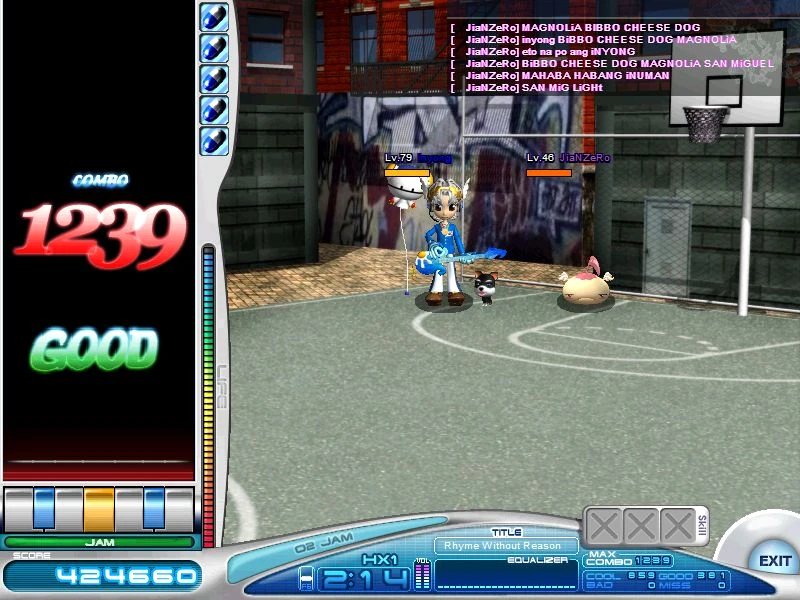
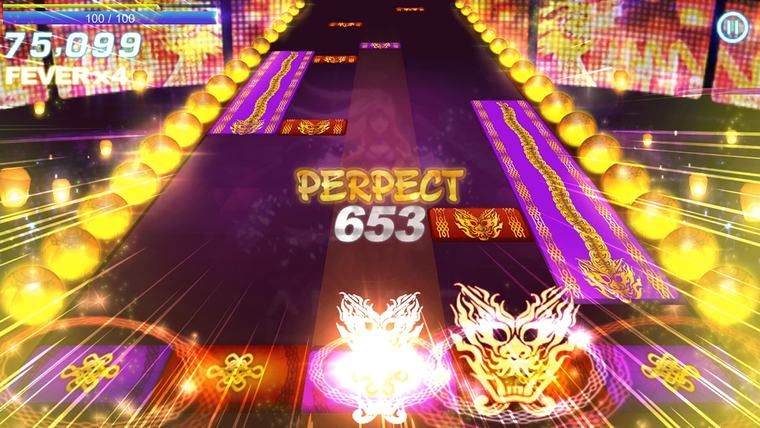
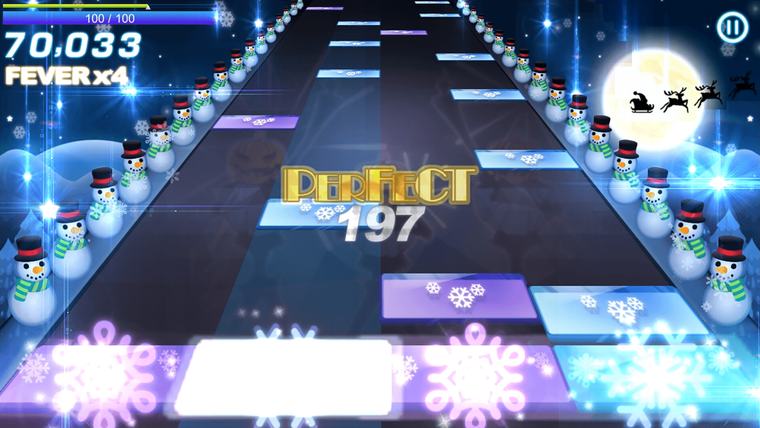
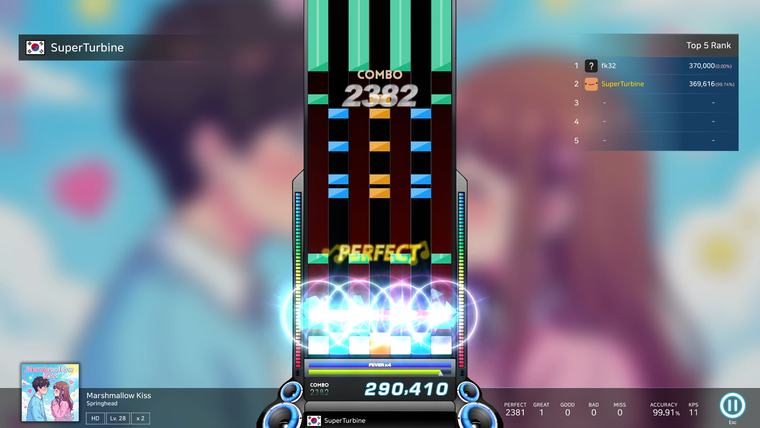
A seven-lane note highway, a catalogue of licensed tracks, and the same keyboard layout it has had since 2004. The classic client on the left is the era this server's protocol comes from; the modern shots are the official PC release.
The music
O2Jam is a music game first — the notes are only half of it. These are jackets from the series' catalogue, not a claim about what your client's music package contains.
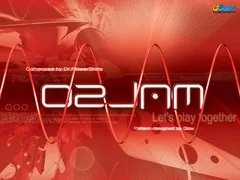
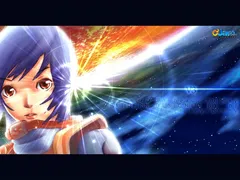
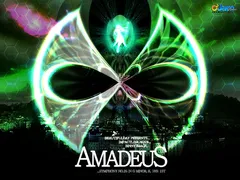
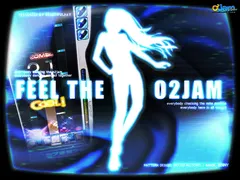
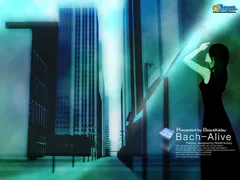

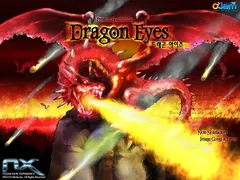
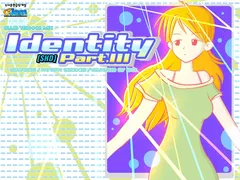
O2Jam-Music-1.2.3.zip
Download the music ↓sha256
68fb9ee205b97c4e2bc0dff93bfa15a33d1892e80af720072c30a422ee13ee7f
published list SHA256SUMS
Every song in the package, on its own — 117 songs: 117 charts (.ojn) and 122 audio files (.ojm), plus the song list, 605.5 MiB unpacked. Unzip it and copy the Music folder into your client folder (the launcher creates that folder on first run). These same files are served to the game itself, so a client can fetch a song it is missing while you play.
Jacket art via the O2Jam Wiki. Titles shown are the jacket labels; availability in-game depends on the client's music package (this server runs with free music enabled).
Artwork & sources
Every image on this page came from the internet and is credited here. Nothing is claimed as ours: O2Jam and its artwork belong to their rights holders, and these are shown to identify the game.
Screenshots (modern): O2Jam : The Beginning, official PC release — store.steampowered.com/app/4189880. © SuperTurbine Technology Inc. Used for identification.
Screenshots, logo & song jackets (classic): the O2Jam Wiki on Fandom — o2jam.fandom.com. Wiki text and uploaded images are provided under Fandom's CC BY-SA terms; the underlying game artwork remains © O2Media and its artists.
Exact file sources (10 images)
- https://store.steampowered.com/app/4189880/ — screenshots: steam_shot7 (hero), shot9 (gold), shot10 (neon), shot0 (blue)
- https://o2jam.fandom.com/wiki/File:O2Jam-logo.svg — the wordmark
- https://o2jam.fandom.com/wiki/File:Rhyme_Without_Reason_on_Hx1_(O2JAM).jpg — classic client screenshot
- https://o2jam.fandom.com/wiki/File:139_O2_Jam.jpg
- https://o2jam.fandom.com/wiki/File:218_V3_(O2_Version).jpg
- https://o2jam.fandom.com/wiki/File:251_Amadeus.jpg
- https://o2jam.fandom.com/wiki/File:228_Feel_The_O2Jam!.jpg
- https://o2jam.fandom.com/wiki/File:100_Bach_Alive.jpg
- https://o2jam.fandom.com/wiki/File:313_Cranky_Song.jpg
- https://o2jam.fandom.com/wiki/File:320_Dragon_Eyes.jpg
- https://o2jam.fandom.com/wiki/File:707_SHD_Identity_part_III.jpg